01 / EVERY TANK FOR ITSELF
DEATHMATCH
One battlefield. Plenty of rivals. Find your angle, choose your target, and make every shot count.
ENTER THE BATTLEONLINE TANK BATTLES. OUR OWN WAY.
The rumble of the tracks. The perfect railgun shot.
A gold box worth fighting for. This is OTanks.
Windows 64-bit • Runtime included • Your game account
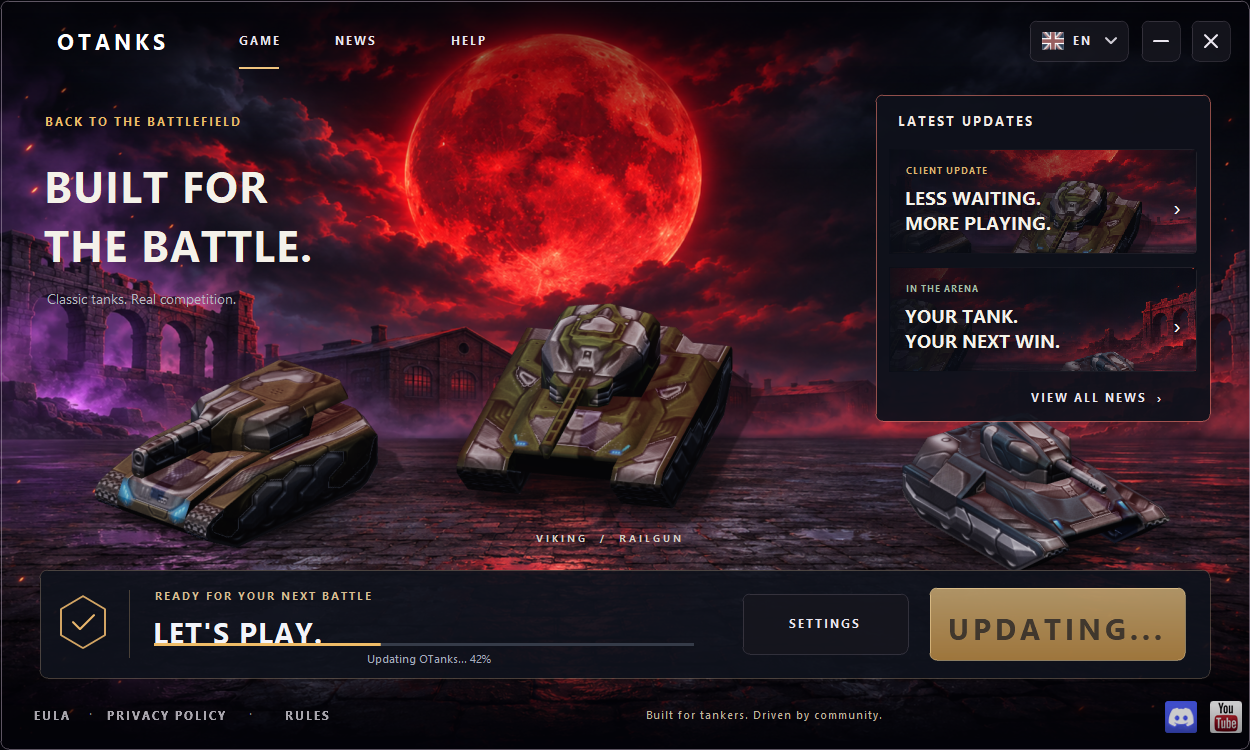
Automatic updates before you press Play.
Player profiles, loadouts and battle statistics.
Bring your best moments to the creator program.
01 / THE OTANKS CLIENT
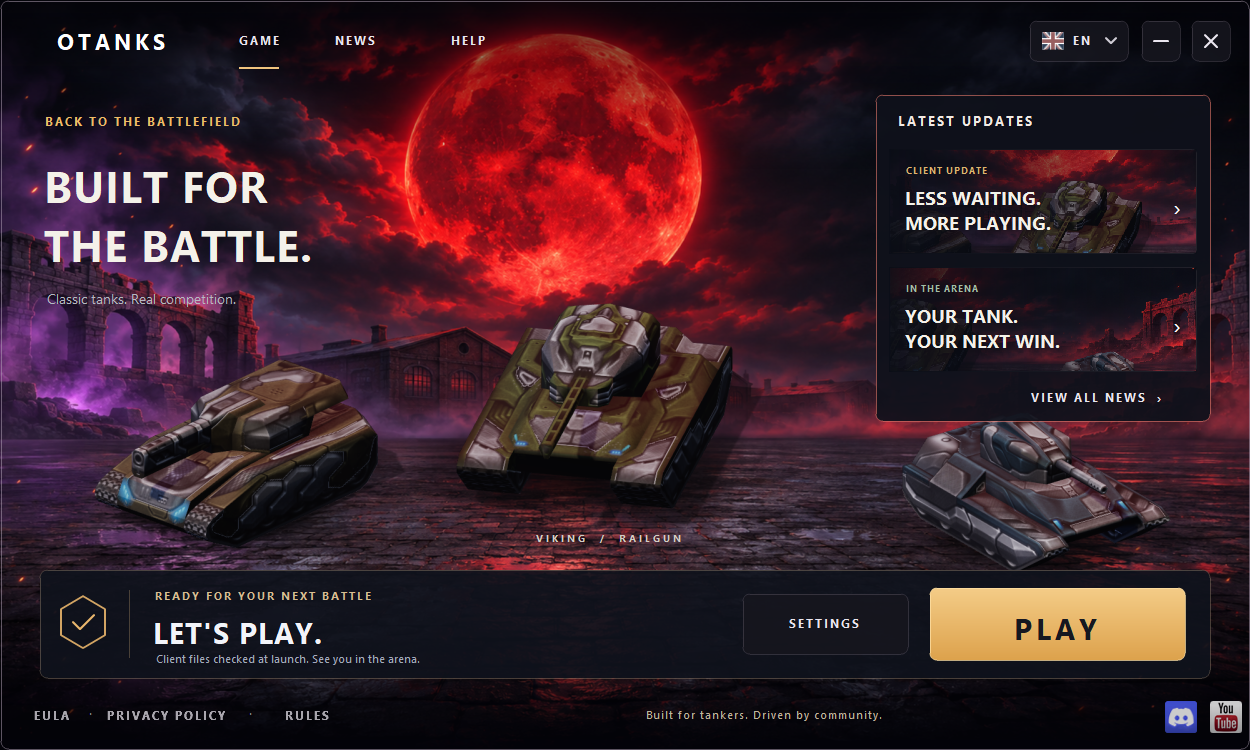
MADE FOR YOUR DESKTOPGive the battlefield a home on your desktop. A dedicated launcher, your graphics settings, and a straight road back to the game.
Windows 64-bit client
Already installed? Open OTanks and get back in.
Prefer the browser? Play here ↗
OTANKS UPDATE / PUBLIC CLIENT
GET THE LATEST CLIENT ↗Every version. Every fix. See what's new in OTanks.
Already playing?
Restart your client to download the update.
The server stays online.
Loading public update notes…
02 / KNOW YOUR BATTLEFIELD
SAME TANK. DIFFERENT MISSION.Combine turrets, hulls and paints in the Garage.
Then give that build something to fight for.
One battlefield. Plenty of rivals. Find your angle, choose your target, and make every shot count.
ENTER THE BATTLEHold the line and cover your teammates. The best loadout gets even better with a team behind it.
FIND YOUR TEAMBreak through. Grab their flag. Get back to base. Some of the best battles are won on the way home.
TAKE THE FLAG03 / THE PEOPLE BEHIND THE TANKS
All player ratings ↗Find your rivals. Follow your progress.
Give the next name on the scoreboard a story.
Loading the leading tankers…
From saved game statistics.
YOUR OTANKS ACCOUNT
Your account connects the battlefield, player ratings and creator program.
EXPLORE PLAYER RATINGS →New here? Create your account in the game.
 YourNickname▶
04 / READY WHEN YOU ARE
Three steps. Then it's your battle.
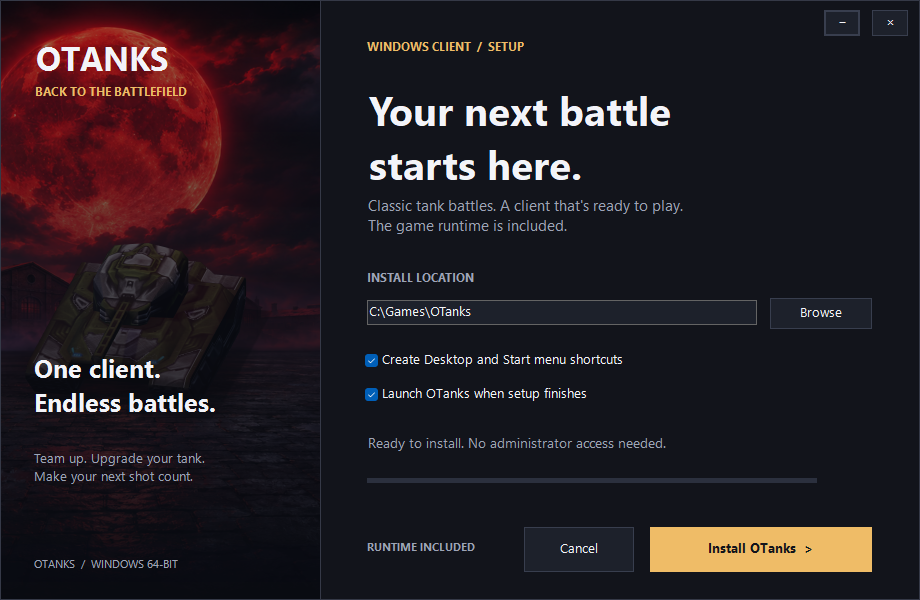
GET THE WINDOWS INSTALLER ↓Get OTanks Setup for Windows 64-bit. The runtime comes with it.
Open Setup, choose your installation folder and shortcuts, then install.
Open OTanks, press Play, and sign in or create your account in the game.
BEFORE YOU GO
A 64-bit Windows PC and an internet connection. The installer includes the game runtime; you do not need a browser Flash plugin. DirectX 9 is available as a graphics compatibility option.
Yes. Use your existing OTanks nickname and password. Your account and progress are stored on the game server.
Yes. Open the browser version and join the game there.
From client 1.0.36, open OTanks and updates run inside the main launcher before Play. See download progress beside Play, with Retry if the connection fails. Resource downloads stay quiet during battles. Use the latest installer once if you have an older client. Your server account and graphics choice stay the same.
THE GARAGE CAN WAIT.